
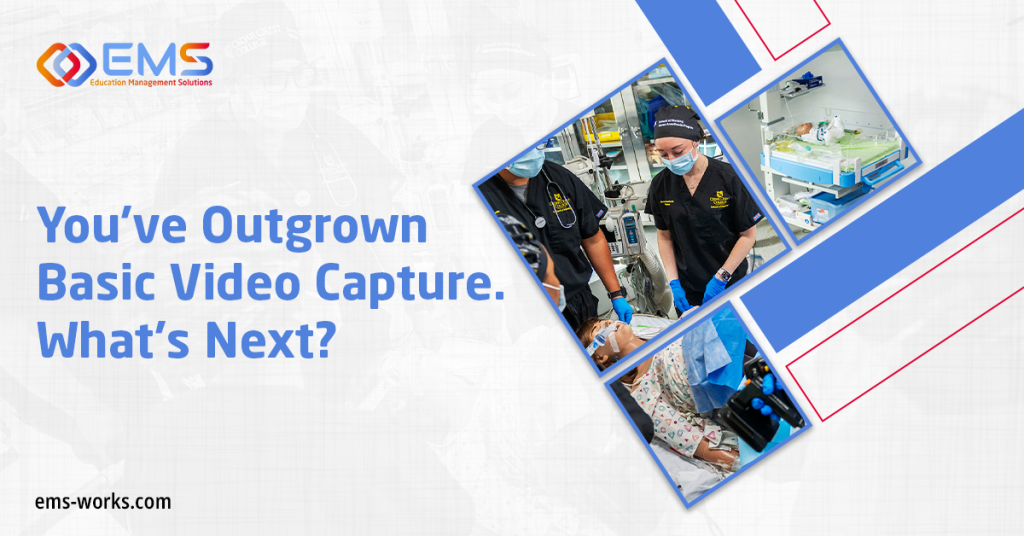
As simulation programs grow, the work surrounding each encounter beyond just simple video capture becomes more demanding. More learners require assessment. More sessions compete for rooms and equipment. More stakeholders want evidence of progress and resource utilization.
Your recording system may still be doing its job well, but your team may need additional support to make the most of your growing amount of video and data. The next step is identifying which simulation management capabilities address the work consuming the most time.
Are you ready to incorporate post-encounter assessments?
Watching a learner perform provides valuable evidence. Asking that learner to document findings and explain clinical decisions adds another dimension.
Post-encounter documentation, including patient notes and SOAP notes, gives faculty opportunities to evaluate how learners organize information and communicate their reasoning. Structured checklists and rubrics provide a framework for assessing performance against defined expectations.
With integrated assessment capabilities, programs can extend evaluation beyond the recorded encounter and make those additional activities part of a more organized assessment workflow.
Has scheduling become a job of its own?
A simulation session involves much more than reserving a room. Faculty, learners, simulators, and other resources must come together at the right time. When those details live in separate calendars, spreadsheets, and email threads, even a small change can create considerable follow-up work.
Centralized scheduling and scenario management bring more of that coordination into one platform. More advanced scheduling capabilities can coordinate rooms, participants, and simulators, helping teams manage increasingly busy schedules with less manual reconciliation.
Is equipment tracking becoming harder as activity increases?
A full calendar does not tell you whether the supplies and equipment needed for each session are available. As more departments share simulation resources, inventory management becomes an operational priority. Staff need a practical way to track resources across training activities and prepare for upcoming demand.
Integrated inventory management brings that work into the broader simulation workflow. Consider a program running several scenarios in the same week: visibility into inventory helps staff plan what each activity requires before setup begins.
Is assessment volume stretching faculty capacity?
Adding learners also adds evaluation work. Reviewing recordings, completing scoring forms, and organizing results can consume time faculty need for feedback and instruction.
AI-assisted scoring can support portions of that workflow and help programs apply structured evaluation criteria more consistently. The operational value is the opportunity to reduce repetitive scoring work while preserving educator oversight. As assessment volume increases, AI-supported evaluation becomes a capability worth considering alongside scheduling and resource management.
Do you need a clearer picture of program performance?
Knowing how many sessions you conducted is useful. Understanding what those activities reveal about resource use and learner performance supports more informed decisions. Utilization analytics can help leaders examine program activity. More advanced reporting can reveal performance patterns across cohorts and learner progress over time.
Those capabilities support different questions: Where is demand increasing? Which skills warrant additional attention? What information would help explain a resource request? Operational and performance insights give leaders a stronger basis for investigating those questions and planning their next steps.
Are OSCEs and standardized patient programs adding complexity?
Objective structured clinical examinations introduce coordination demands that extend well beyond recording an encounter. Cases, participant schedules, standardized patients, evaluations, and session transitions all require attention. Managing these elements separately can multiply administrative work.
OSCE and standardized patient management capabilities connect more of those activities. Depending on program needs, additional capabilities such as automated paging and remote OSCE options can support more complex delivery.
Ready to explore your options? Download the SIMULATIONiQ solutions comparison info sheet to compare Pro, Pro+, and Enterprise and identify the capabilities that fit your program’s next stage.